
Devices and revoking
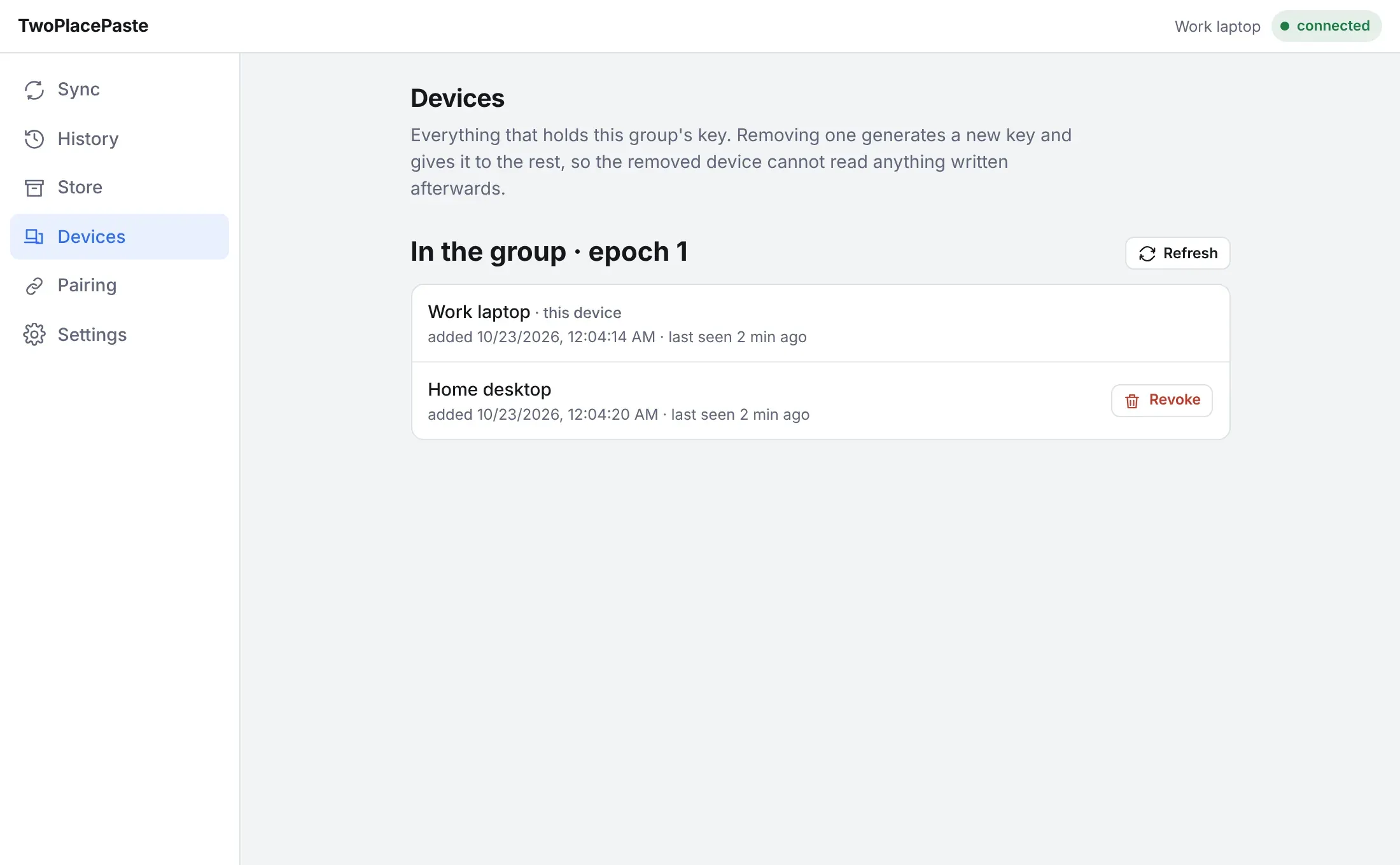
The Devices tab lists every device that holds the group’s key, with the current key generation (epoch).
Revoke a device
Section titled “Revoke a device”Do this when a computer is lost, sold, or simply no longer yours to sync with.
-
On any other device in the group, open Devices and press Revoke next to the device.
-
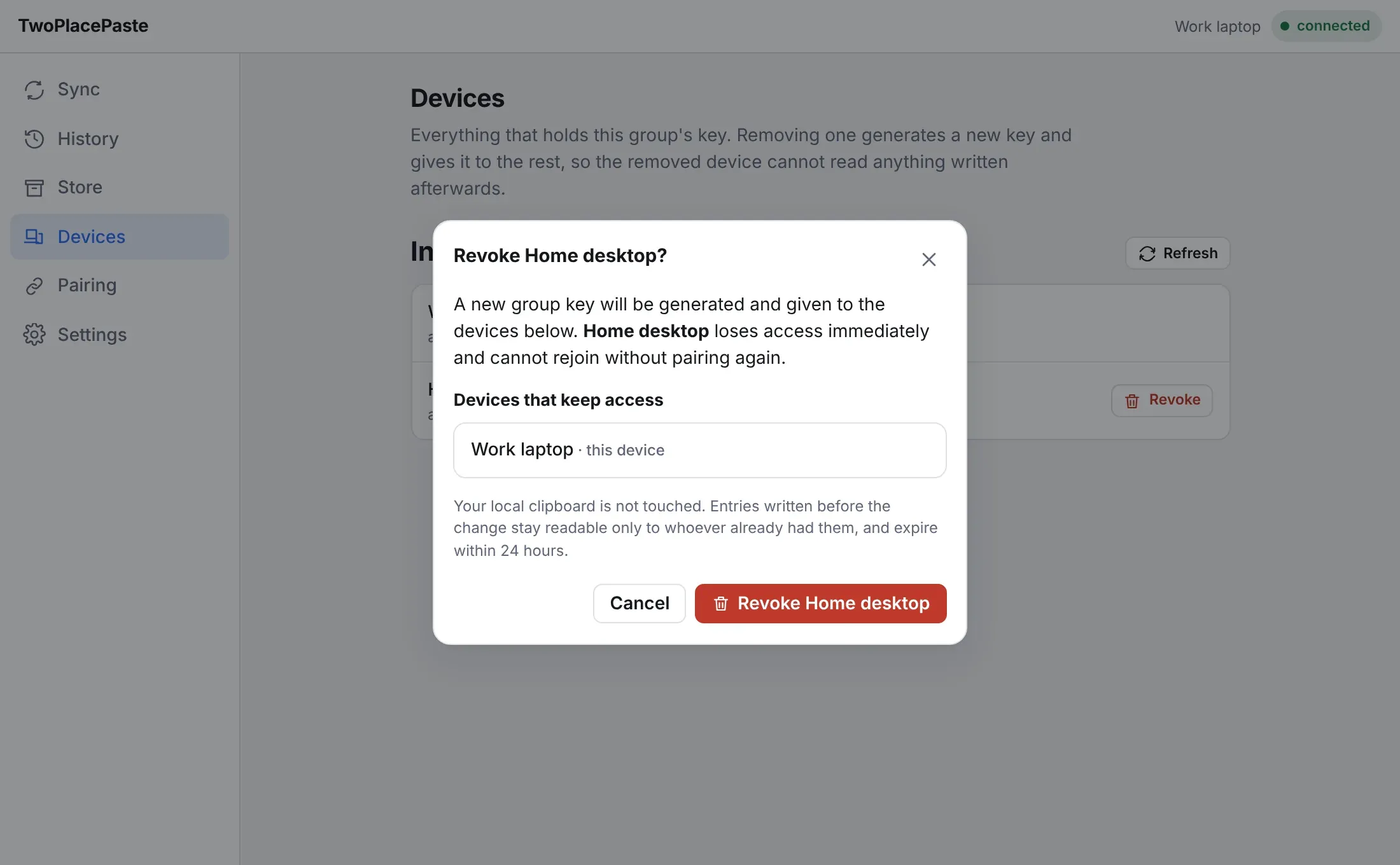
Read the dialog. It names the device you are removing and lists the devices that keep access.
-
Press Revoke ….
What happens:
- A new group key is generated and given to the remaining devices. The epoch goes up by one.
- The revoked device loses access immediately. It cannot read anything written from now on and cannot rejoin without being paired again.
- Entries written before the revocation stay readable to whoever already had them, and expire within 24 hours.
- Your clipboard is not touched.