
Syncing the clipboard
The Sync tab shows what is on this computer’s clipboard, the group’s newest entry, and three buttons. The same actions are in the tray menu.
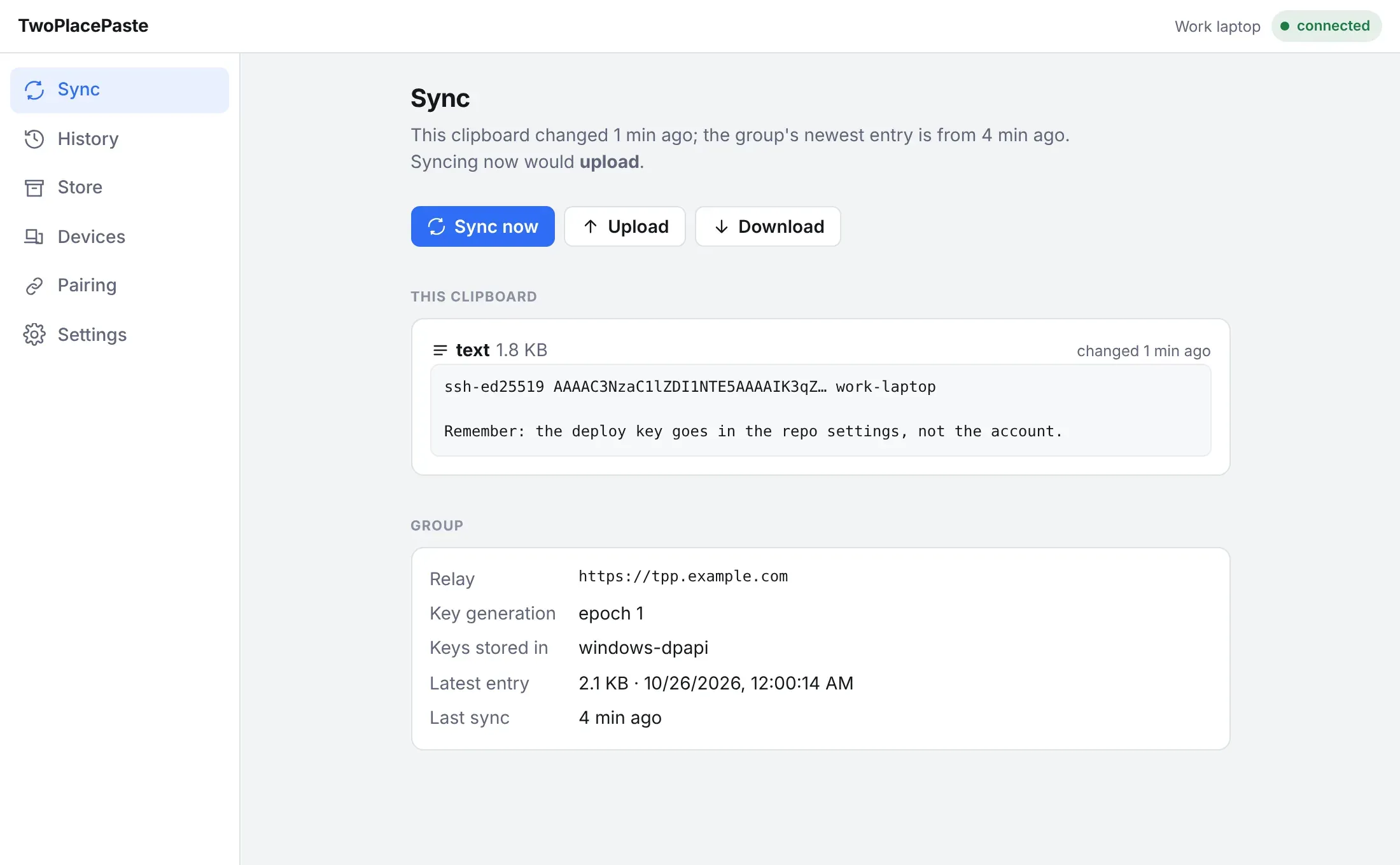
| Button | What it does |
|---|---|
| Sync now | Compares when this clipboard last changed with the age of the group’s newest entry, and goes whichever way is newer. The line above the buttons says which way that will be. |
| Upload | Encrypts this clipboard and sends it to the group. It becomes the newest entry. |
| Download | Puts the group’s newest entry on this clipboard. |
When Sync now has to ask
Section titled “When Sync now has to ask”Windows and macOS do not record when something was copied. If the app has not seen the clipboard change since it started, it cannot know which side is newer, so Sync now asks:
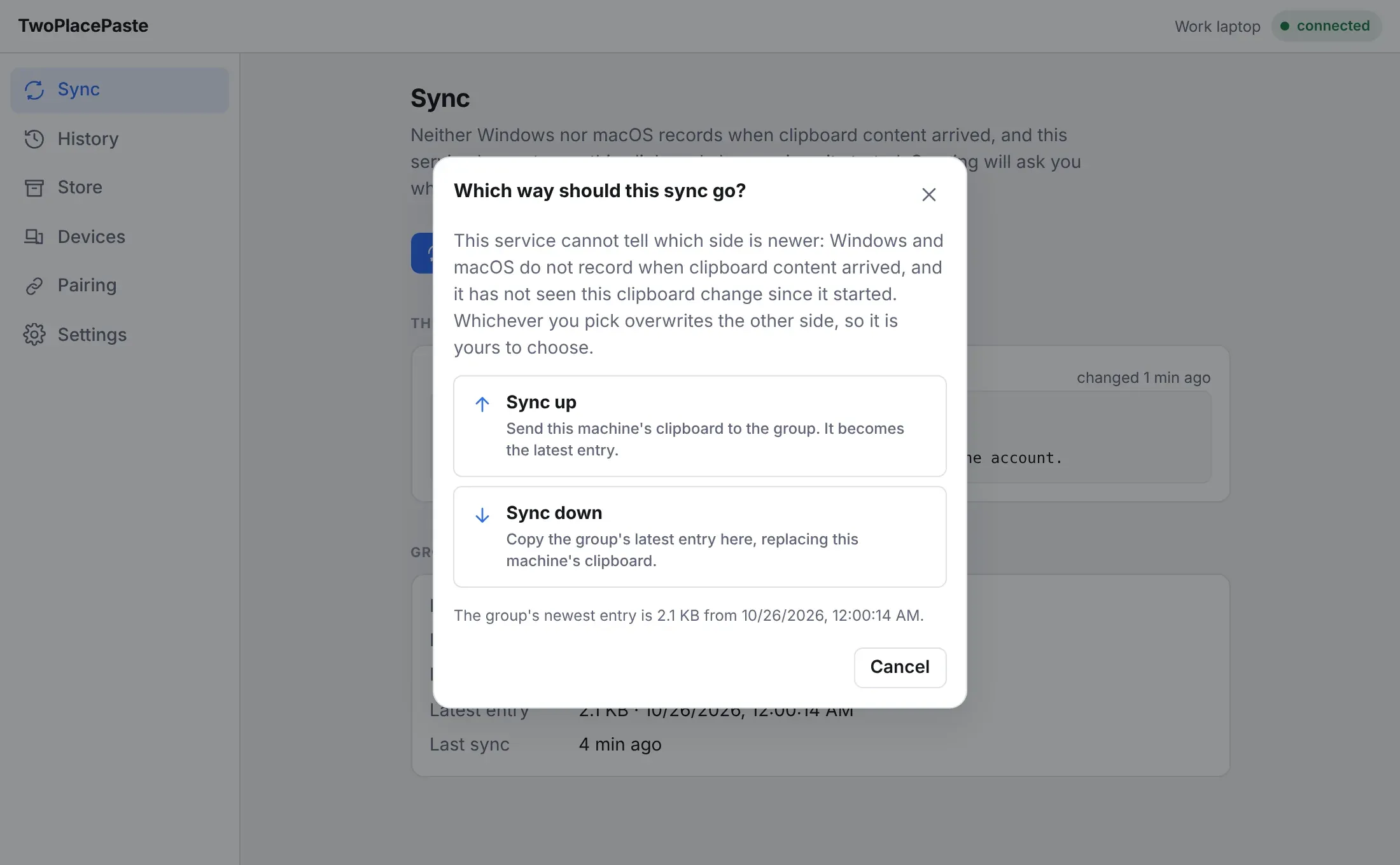
From the tray, the same question arrives as a notification with Upload this clipboard and Download the latest buttons. Those two items also appear in the tray menu for a few minutes, in case notifications are off.
Syncing automatically
Section titled “Syncing automatically”Two switches in Settings make syncing hands-free. Both are off by default:
- Watch the clipboard — anything you copy is uploaded straight away.
- Take what other devices upload — a new entry from another device replaces this clipboard as soon as it arrives.
Turn on both on every device for a fully shared clipboard, or only watch on one and only take on another for one-way sync. Content the app put on the clipboard itself is never uploaded back.
Automatic syncing has a size limit (25 MB each way by default). A bigger entry is left for you to send with Upload or fetch with Download or History; a notice at the top of the app says what was held back.
What can be synced
Section titled “What can be synced”Text, images and files, up to 50 MB per entry. Anything over 10 MB is sent in pieces and shows a progress bar.